Imagine having a safe that you can control right from your phone, no matter where you are. Sounds convenient, right?
But how does a smart home safe actually connect to your phone? If you’ve ever wondered how this technology works and how it can keep your valuables secure while giving you easy access, you’re in the right place. By the end of this article, you’ll understand exactly how your phone becomes the key to your smart safe—and why this could be a game changer for your home security.
Keep reading to unlock the secrets behind this powerful connection.
Smart Home Safe Basics
A smart home safe is a modern way to keep valuables secure. It connects with your phone for easy control and monitoring. Understanding the basics helps you choose the right safe for your needs.
Smart safes combine traditional security with new technology. This lets you check your safe and manage access from anywhere. They bring convenience and safety together in one device.
Key Features
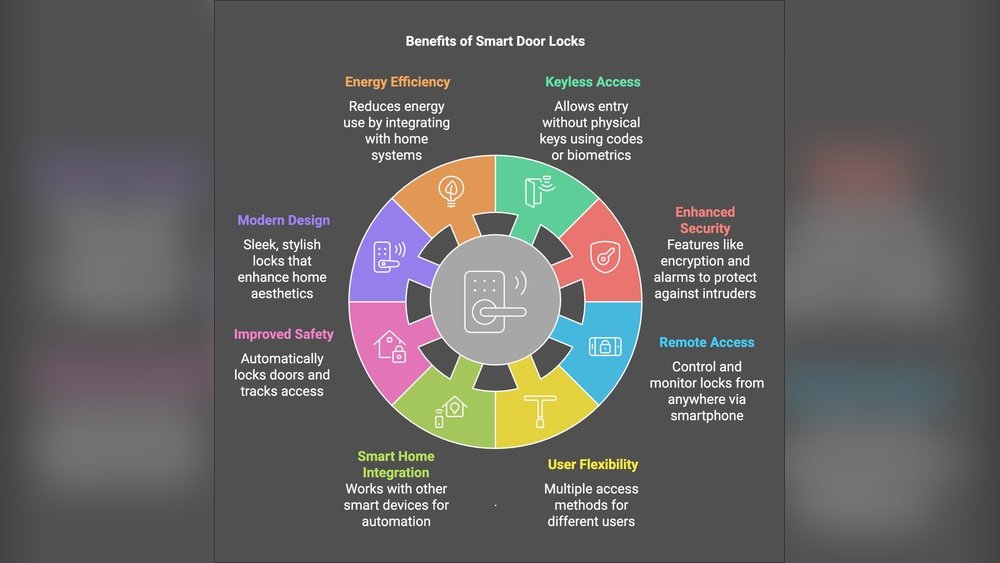
Smart safes include digital locks that use passwords or biometrics. They often connect to your phone via Bluetooth or Wi-Fi. This allows you to open the safe remotely or get alerts.
Many safes offer real-time notifications if someone tries to open them. Some models track access history to show who opened the safe and when. Backup keys or codes provide extra security if technology fails.
Types Of Smart Safes
There are different types of smart safes. Some are small and portable, ideal for personal items. Others are larger, designed for home use and storing bigger valuables.
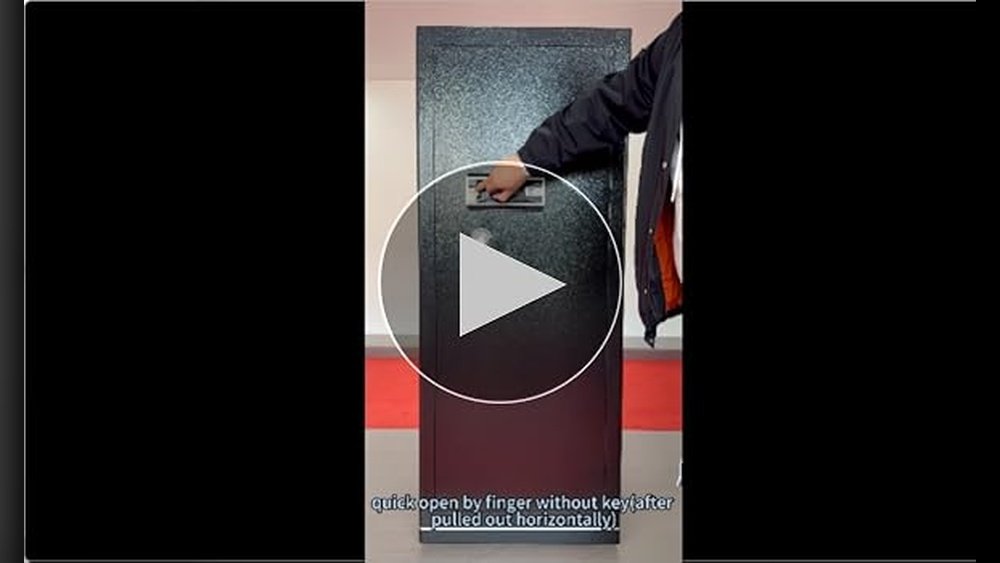
Wall safes fit into your home’s structure for hidden protection. Gun safes keep firearms secure with quick phone access. Each type suits different needs and security levels.

Connectivity Options
Smart home safes connect to your phone using different technology types. Each option offers unique benefits and challenges. Understanding these options helps you choose the best fit for your needs.
Bluetooth
Bluetooth connects devices over short distances. Your phone pairs directly with the safe. This connection is fast and secure. You do not need internet access for Bluetooth. It is ideal for close-range control. Battery life is usually good with Bluetooth.
Wi-fi
Wi-Fi links your safe to your home network. This allows control from anywhere with internet access. You can open or lock the safe remotely. Wi-Fi safes also receive updates easily. Some models include alerts sent to your phone. It uses more power than Bluetooth.
Zigbee And Z-wave
Zigbee and Z-Wave are smart home protocols. They create a mesh network with other devices. This improves range and reliability. These options use low power and are very secure. You need a compatible hub for these connections. They work well in smart home systems.
Setting Up Your Smart Safe
Setting up your smart safe is the first step to secure your valuables easily. The process involves connecting the safe to your phone. This connection lets you control and monitor the safe remotely.
Follow simple steps to get started. Each step ensures your safe works well with your phone. Let’s break down the setup process for you.
Initial Pairing Process
Turn on your smart safe and activate its Bluetooth or Wi-Fi feature. Open the safe’s control panel and look for the pairing option. On your phone, go to Bluetooth settings and find the safe’s name. Tap to connect and wait for a confirmation message. This step links your phone and safe securely.
App Installation
Download the official app from your phone’s app store. The app is usually free and easy to find. Install it and open to start setup. The app acts as your remote control for the safe. It allows you to lock, unlock, and check the safe status.
Configuring Security Settings
Open the app and go to security settings. Set a strong PIN or password for extra protection. Enable features like fingerprint or face recognition if your phone supports it. Turn on notifications to get alerts about safe activity. Customize settings to fit your security needs.
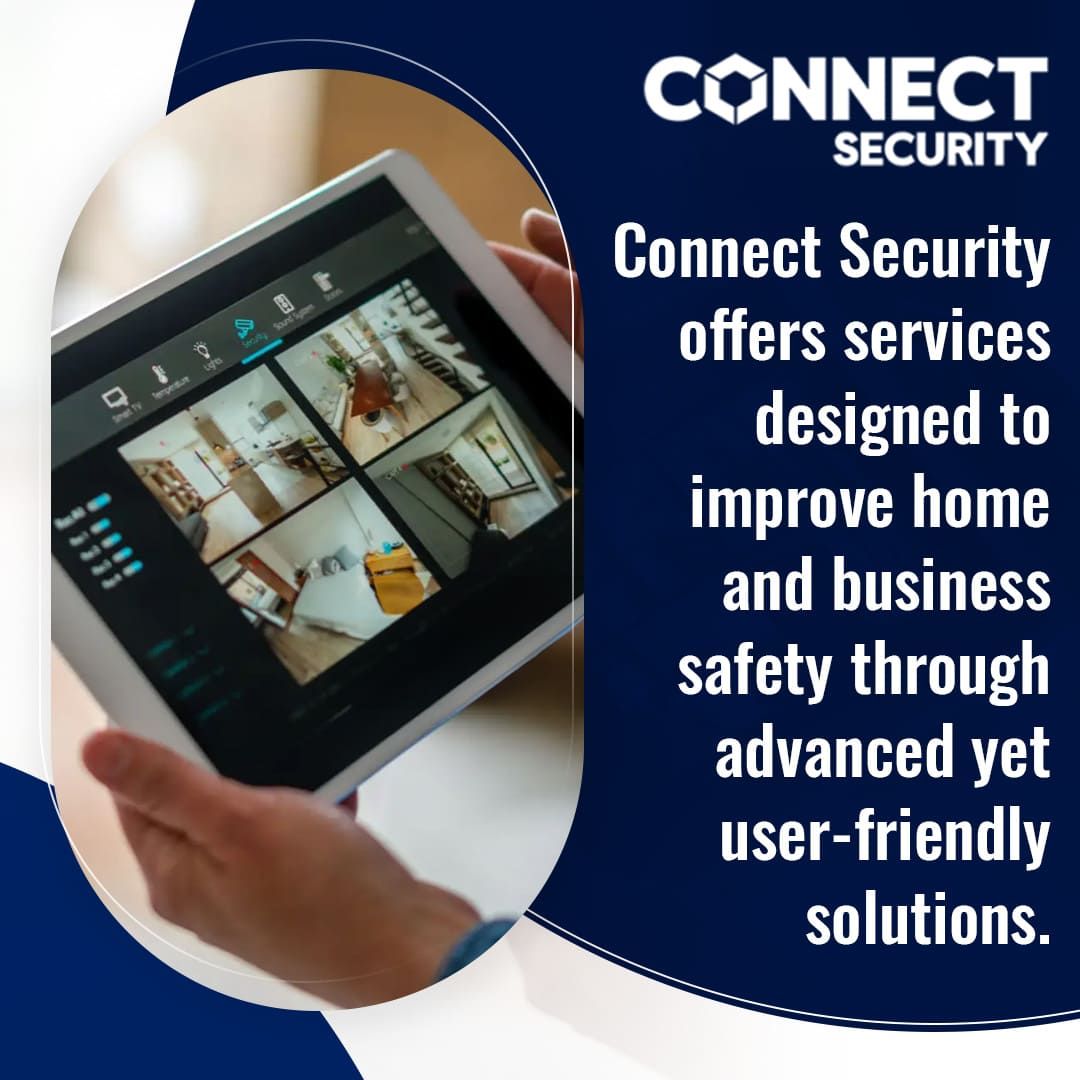
How Your Phone Communicates With The Safe
Your phone connects to a smart home safe using wireless technology. This connection allows you to control and monitor the safe remotely. The communication happens through secure channels to keep your belongings safe.
Understanding how your phone talks to the safe helps you trust the technology. It also shows how your data stays protected during use.
Data Transmission Methods
Smart home safes often use Bluetooth or Wi-Fi to connect to phones. Bluetooth works well for short distances and low power use. Wi-Fi allows longer range and faster data transfer. Some safes combine both for better performance and reliability.
Encryption And Security
Encryption protects the data sent between your phone and safe. It scrambles the information so others cannot read it. Strong encryption methods like AES keep your safe’s data secure. This prevents hackers from accessing your safe remotely.
Real-time Alerts
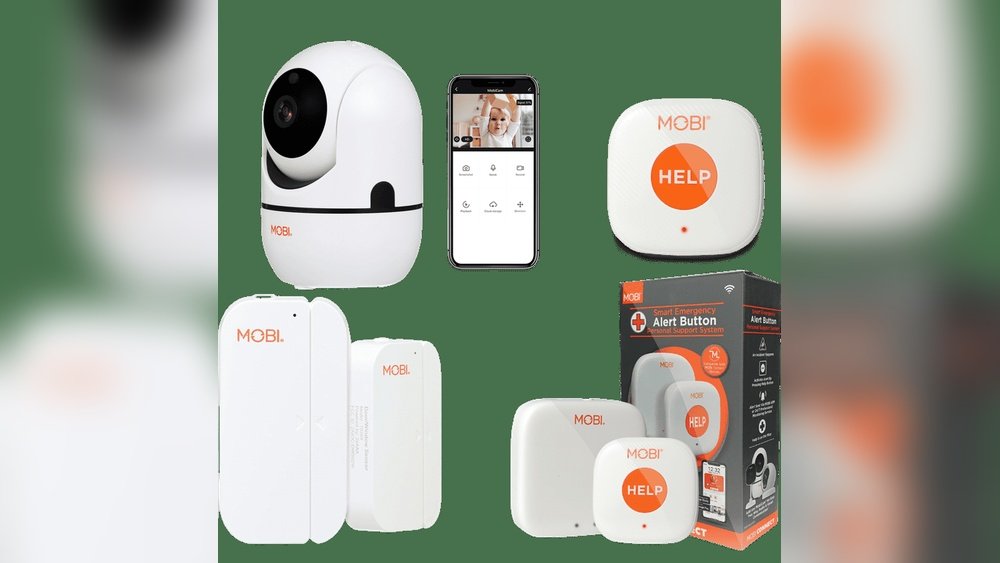
Your phone receives instant alerts from the safe if there is unusual activity. These alerts help you respond quickly to possible threats. You can lock or unlock the safe remotely through the app. Real-time notifications keep you informed at all times.
Troubleshooting Connection Issues
Connecting your smart home safe to your phone should be simple. Sometimes, the connection can fail or drop. This section helps you fix common issues fast. Follow these tips to keep your safe and phone talking clearly.
Common Problems
Smart safes often connect using Bluetooth or Wi-Fi. Problems can happen if the phone or safe moves too far apart. Low battery power in the safe or phone also causes trouble. Another issue is outdated app software. These problems stop your phone from controlling the safe.
Fixing Bluetooth Failures
Bluetooth can lose connection easily. Start by turning Bluetooth off and on again on your phone. Restart your smart safe to reset its Bluetooth signal. Check if your phone’s Bluetooth is paired with the safe. Remove old pairings that you do not use. Keep your phone close to the safe to avoid weak signals.
Resolving Wi-fi Drops
Wi-Fi can disconnect if the signal is weak. Move your router closer to the safe for a stronger connection. Check if the safe is within the Wi-Fi range. Restart your router to refresh the connection. Make sure your safe’s firmware and app are up to date. Avoid using public Wi-Fi networks for better security and stability.

Maximizing Smart Safe Features
Maximizing the features of your smart home safe enhances security and convenience. These safes offer more than just a lock and key. They connect directly to your phone, giving you control at your fingertips. Understanding how to use these features fully makes your safe more effective and easier to manage.
Remote Access
Remote access lets you open or lock your safe from anywhere. Use the app on your phone to check the safe’s status instantly. This feature helps in emergencies or when you forget to lock the safe. Receive alerts on your phone if someone tries to tamper with it. Remote access keeps you informed and in control at all times.
Multi-user Control
Multi-user control allows several people to access the safe securely. You can add family members or trusted friends through the app. Set different permission levels for each user to control access. This feature is useful for sharing important items without sharing keys or codes. Track who opens the safe and when for added security.
Integration With Smart Home Systems
Smart home safe integration connects your safe with other devices. It works with systems like Alexa, Google Home, or Apple HomeKit. Use voice commands to check the safe or lock it quickly. Integration also allows automation, like locking the safe when you leave home. This connection makes managing your safe part of your daily smart home routine.
Safety And Privacy Concerns
Smart home safes connect to your phone to give easy access and control. This connection raises safety and privacy concerns. Protecting your data and preventing unauthorized access are very important. Understanding these issues helps you keep your valuables safe and your information private.
Data Protection
Smart safes store sensitive data like access codes and user info. This data must be encrypted to stop hackers. Encryption changes data into a secret code only your phone and safe can read. Updates to software fix security holes fast. Always check for safe updates to keep data secure.
Preventing Unauthorized Access
Unauthorized access means someone else tries to open your safe. Smart safes use strong passwords and biometric locks, such as fingerprints. They also limit login attempts to block hackers. Some safes send alerts to your phone if suspicious activity happens. These steps help keep your safe locked and your items protected.
Frequently Asked Questions
How Does A Smart Home Safe Connect To My Phone?
A smart home safe connects via Bluetooth or Wi-Fi. It pairs with your phone through a dedicated app for secure access and alerts. This connection allows remote control, notifications, and real-time status updates directly on your device.
Can I Control My Safe Remotely Using My Phone?
Yes, most smart safes support remote control through their app. You can lock, unlock, and monitor the safe from anywhere. This feature enhances convenience and security, ensuring you manage access anytime.
What App Do I Need To Connect My Safe?
You need the manufacturer’s official app to connect your smart safe. It is available on both iOS and Android platforms. The app handles pairing, access control, and sends security notifications.
Is The Phone Connection To A Smart Safe Secure?
Smart safes use encryption protocols like AES to secure phone connections. This prevents unauthorized access and data breaches. Always update your app and device firmware for maximum security.
Conclusion
Smart home safes connect to your phone using wireless technology. This lets you control and monitor your safe from anywhere. You can lock or unlock it with a simple app tap. Alerts notify you if someone tries to open it without permission.
This adds a layer of security and peace of mind. Setting up the connection is usually quick and easy. Your phone becomes a key to protect your valuables safely. Simple steps make smart safes user-friendly for everyone. Safe, secure, and convenient—technology works for you.