Have you ever stood in front of your smart home safe, only to realize you’ve forgotten the password? It’s a frustrating moment that can make you feel stuck and worried about accessing your valuables.
But don’t panic—resetting the password on your smart safe is easier than you might think. In this guide, you’ll discover simple, step-by-step instructions to regain control quickly and securely. Keep reading, and you’ll be back in charge of your safe in no time.
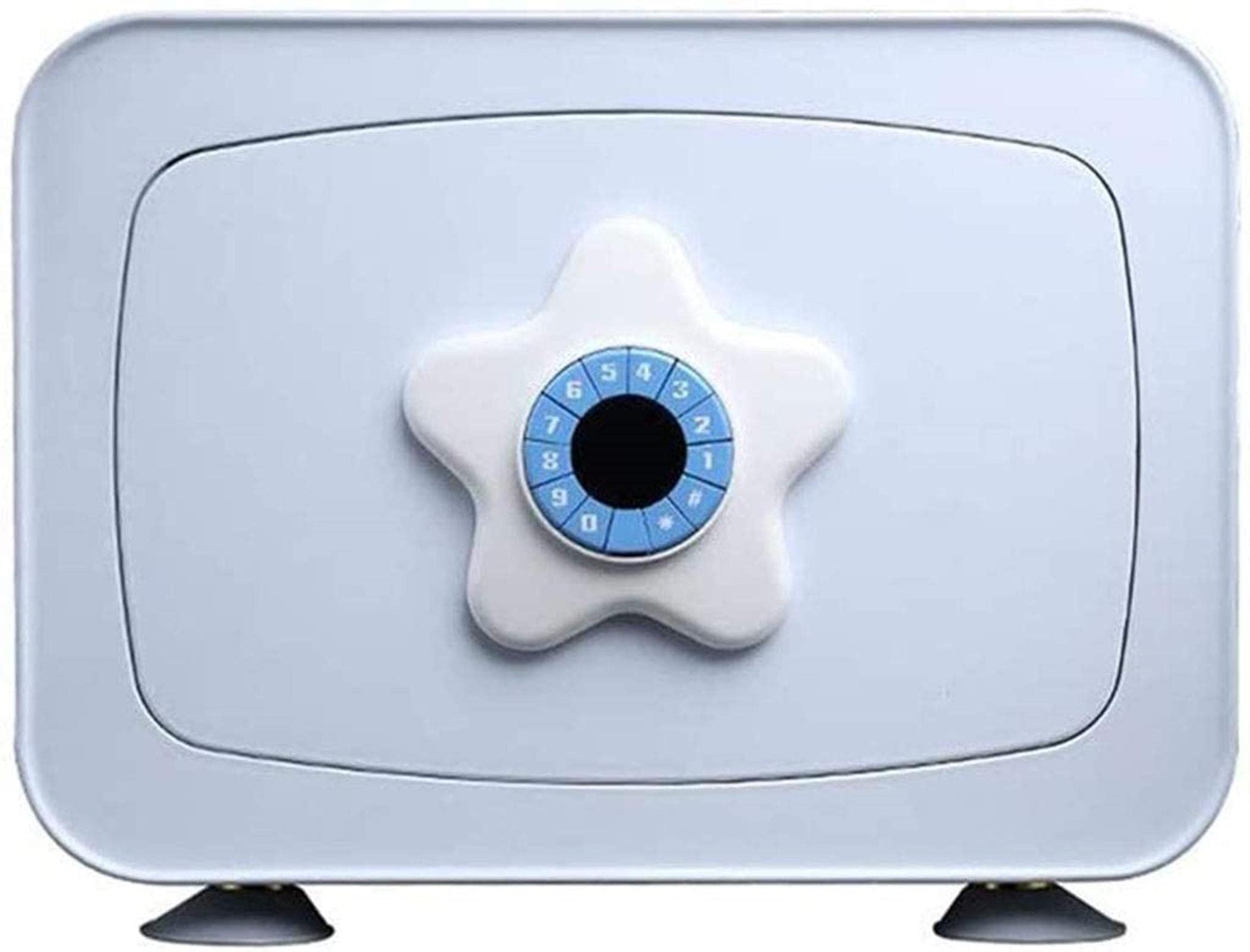
Preparing To Reset Your Smart Safe Password
Resetting the password on your smart home safe starts with good preparation. This step ensures a smooth process without frustration. Knowing what tools and information you need saves time and effort.
Preparation helps avoid mistakes and protects your safe’s security. It also makes the reset process quicker and easier. Follow these simple steps to get ready before changing your password.
Gathering Necessary Tools And Information
First, collect all tools you might need. Common items include the safe’s reset key, batteries, and a small screwdriver. Keep them close by before starting the reset.
Also, write down your current password if you remember it. This helps in case you need to verify your identity. Having your phone or computer ready is useful too. You may need to access the safe’s app or website during the reset.
Checking The Safe’s Model And Manual
Find the model number on your safe. This is usually on the back or inside the door. Knowing the model helps you find the exact reset instructions.
Locate the user manual for your safe. It contains detailed steps specific to your model. If you don’t have a paper copy, check the manufacturer’s website. Download the manual to follow along during the reset process.
Resetting Password Using The Keypad
Resetting the password using the keypad is a simple way to secure your smart home safe. This method lets you change your code without extra tools or apps. Follow the steps carefully to avoid mistakes. Each step ensures your safe stays protected.
Entering The Current Password
Start by turning on the keypad. Enter your current password using the number keys. Press the confirm button after typing the code. The safe will verify your input. If the password is correct, you move to the next step. If not, try again carefully.
Accessing The Reset Mode
After entering the right password, press the reset button. This button is usually inside the door or on the keypad. Hold the button for a few seconds. The keypad will beep or flash to show reset mode is active. This means you can now set a new password.
Setting A New Password
Type your new password on the keypad. Choose a code that is easy to remember but hard to guess. Press the confirm button to save the new password. The safe will signal that the change is successful. Test the new password before closing the door.
Using Backup Keys Or Override Codes
Using backup keys or override codes is a simple way to reset your smart home safe password. These tools help you access your safe when the digital method fails. They provide a physical or code-based option to regain control. This section guides you through locating the backup key slot and applying the override code.
Locating The Backup Key Slot
Most smart safes include a backup key slot for emergencies. This slot is often hidden to keep the safe secure. Common places include under the keypad or behind a removable panel. Check your safe’s manual for the exact location. Use the backup key carefully to avoid damage. Insert the key fully before turning it to open the safe.
Applying The Override Code
The override code is a special number set by the manufacturer or owner. Enter this code on the keypad to reset the password. Start by turning on the keypad and clearing previous inputs. Type the override code slowly and press the confirm button. Follow the instructions to create a new password. Keep the override code in a safe place for future use.
Resetting Via Mobile App
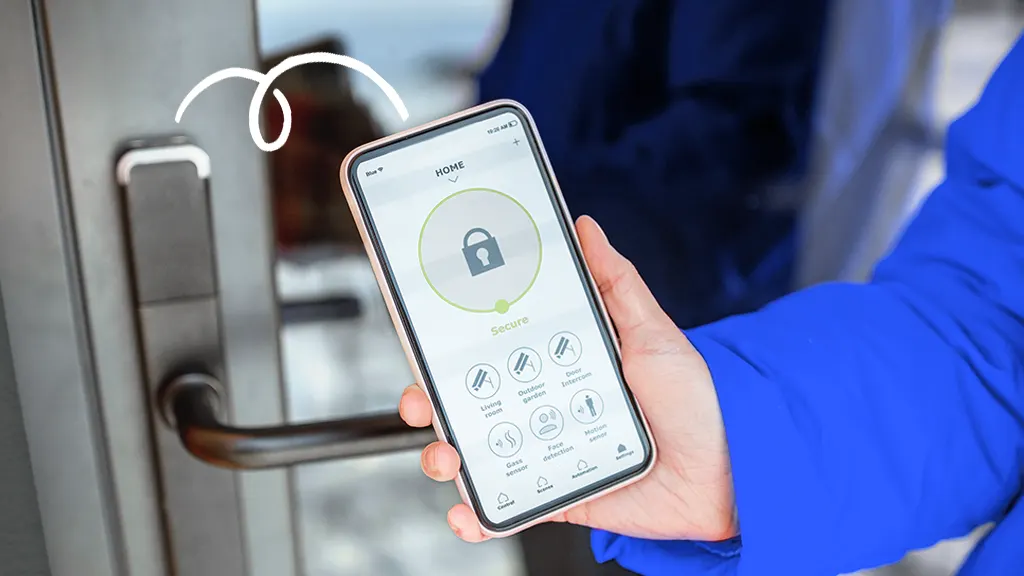
Resetting the password on a smart home safe through the mobile app is easy and quick. This method saves time and allows remote control of your safe. Most smart safes offer apps that connect via Bluetooth or Wi-Fi. Using the app, you can update your password without needing physical access to the safe’s keypad.
Connecting To The Safe’s Bluetooth Or Wi-fi
First, turn on your phone’s Bluetooth or Wi-Fi. Open the safe’s app and search for your device. The safe should appear in the list of available devices. Select your safe to connect. Make sure the safe is nearby for a strong connection. Some safes need you to enter a current password to link the app. Follow on-screen instructions to complete pairing.
Navigating To Password Settings
Once connected, open the app’s menu. Look for “Settings” or “Security” options. Find the “Password” or “Access Code” section. This area lets you manage your safe’s password. Tap on the password settings to proceed. You may need to verify your identity before changing the password. The app might ask for your current password or a fingerprint scan.
Creating A New Password
Enter a new password that is easy to remember. Use numbers or a mix of letters and digits if allowed. Avoid simple codes like “1234” or “0000.” Confirm the new password by typing it again. Save your changes to update the safe’s access code. Test the new password on the safe to ensure it works. This process keeps your belongings secure and your safe easy to access.
Troubleshooting Common Issues
Troubleshooting common issues with a smart home safe can save time and stress. Problems may arise during password reset. Knowing simple fixes helps you avoid damage or lockout. Follow clear steps to handle frequent problems efficiently.
What To Do If The Safe Does Not Respond
Check the batteries first. Low power often causes no response. Replace batteries with fresh ones. Press the buttons firmly and slowly. Sometimes, a stuck button stops the safe from reacting. Clean the keypad gently to remove dust or dirt. If the problem continues, reset the safe by removing the batteries for a few minutes. Reinsert them and try again.
Handling Forgotten Override Codes
Locate the manual that came with your safe. It usually has instructions for forgotten codes. Some safes offer a reset button inside the battery compartment. Use it following the manual steps. Record new codes in a secure place. Avoid writing codes on the safe or nearby. This keeps your safe secure even if you forget the code.
When To Contact Customer Support
Contact support if the safe stays locked after all attempts. Do not force the lock or keypad. Damaging the safe can void the warranty. Customer support can provide specific help. They guide you through advanced reset procedures. Keep your safe’s model number and purchase details ready. This speeds up assistance and ensures correct advice.
Tips For Creating A Strong Password
Creating a strong password protects your smart home safe. A strong password keeps your belongings secure. It also stops others from guessing or hacking your code. Follow these tips to make a strong password that is easy to remember but hard to break.
Using A Mix Of Characters
Combine letters, numbers, and symbols in your password. Use both uppercase and lowercase letters. This mix makes your password stronger and harder to guess. Avoid using only one type of character. A varied password increases safety.
Avoiding Common Passwords
Stay away from easy passwords like “1234” or “password.” Do not use your name, birthdate, or simple patterns. Common passwords are the first ones hackers try. Pick something unique that others cannot guess.
Regularly Updating Your Password
Change your password every few months. Regular updates reduce the chance of being hacked. Do not reuse old passwords. A fresh password keeps your smart safe more secure over time.
Frequently Asked Questions
How Do I Reset My Smart Home Safe Password?
To reset your smart home safe password, locate the reset button inside the safe. Press and hold it until the keypad flashes. Enter a new password and confirm it. Always refer to your safe’s manual for specific instructions.
Can I Reset The Password Without The Master Code?
Most smart safes require the master code to reset the password. If you’ve lost it, contact the manufacturer’s customer support. They may verify your identity and provide reset options or guidance on next steps.
What If My Smart Safe Won’t Accept The New Password?
Ensure the new password meets the safe’s requirements, like length or character type. Try resetting the safe again following the manual. If issues persist, check the battery or contact customer support for technical help.
How Often Should I Change My Smart Safe Password?
It’s best to change your smart safe password every 3 to 6 months. Regular changes enhance security and reduce the risk of unauthorized access. Always use a strong, unique password for better protection.
Conclusion
Resetting the password on a smart home safe is simple. Follow the steps carefully and take your time. Keep your new password easy to remember but hard to guess. Always test the new code before locking the safe. Regularly changing your password helps keep your valuables secure.
Stay calm and patient throughout the process. This way, your smart safe will protect your items better. Safe and secure—just as it should be.