Have you ever wondered if your smartphone can do more than just calls and apps? Imagine turning your phone into a powerful tool that detects vibrations around you—whether it’s for safety, monitoring machinery, or even checking home security.
Can vibration sensors really connect to a smartphone app? The answer might surprise you. You’ll discover how these sensors work with your phone, what benefits you can expect, and how easy it is to get started. Keep reading to unlock the potential hidden in your pocket.

Vibration Sensors And Smartphones
Vibration sensors track movement and vibrations in machines or environments. They help detect problems early and improve safety. Connecting these sensors to smartphones makes monitoring easier. Users can see data in real time and get alerts directly on their phones. This connection brings convenience and control to your fingertips.
Understanding how vibration sensors work with smartphones helps choose the right setup. Different sensors and apps offer various features. Let’s explore the types of vibration sensors and their smartphone compatibility.
Types Of Vibration Sensors
Several types of vibration sensors exist, each with unique uses. Accelerometers measure acceleration forces and detect changes in motion. Piezoelectric sensors generate electric signals when they experience pressure or vibration. Capacitive sensors detect changes in capacitance caused by vibrations. Each type suits different applications, from industrial machines to personal devices.
Choosing the right sensor depends on accuracy, size, and power needs. Some sensors are small and low power for mobile use. Others are more robust for heavy machinery monitoring. Knowing these types helps match sensors to smartphone apps efficiently.
Smartphone Compatibility
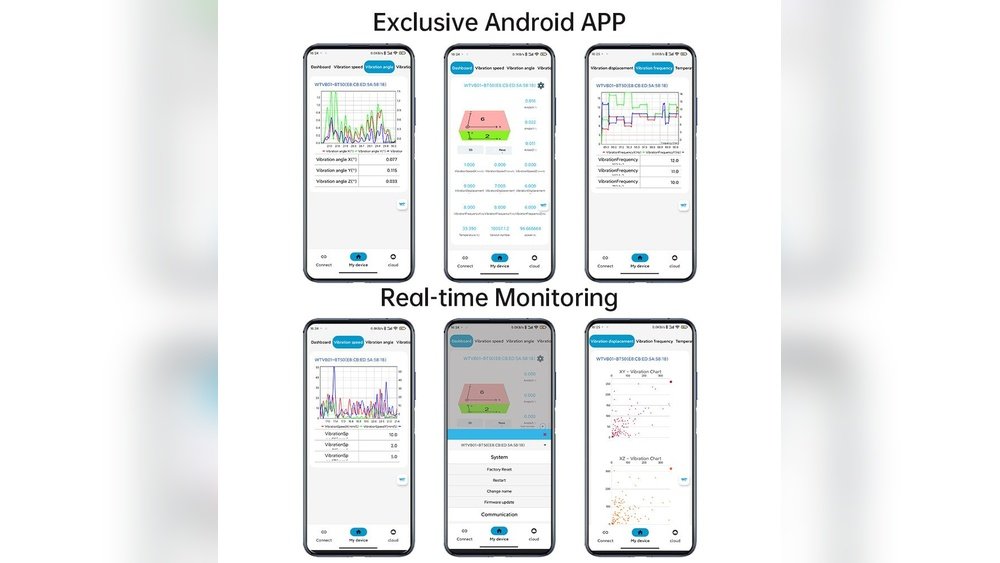
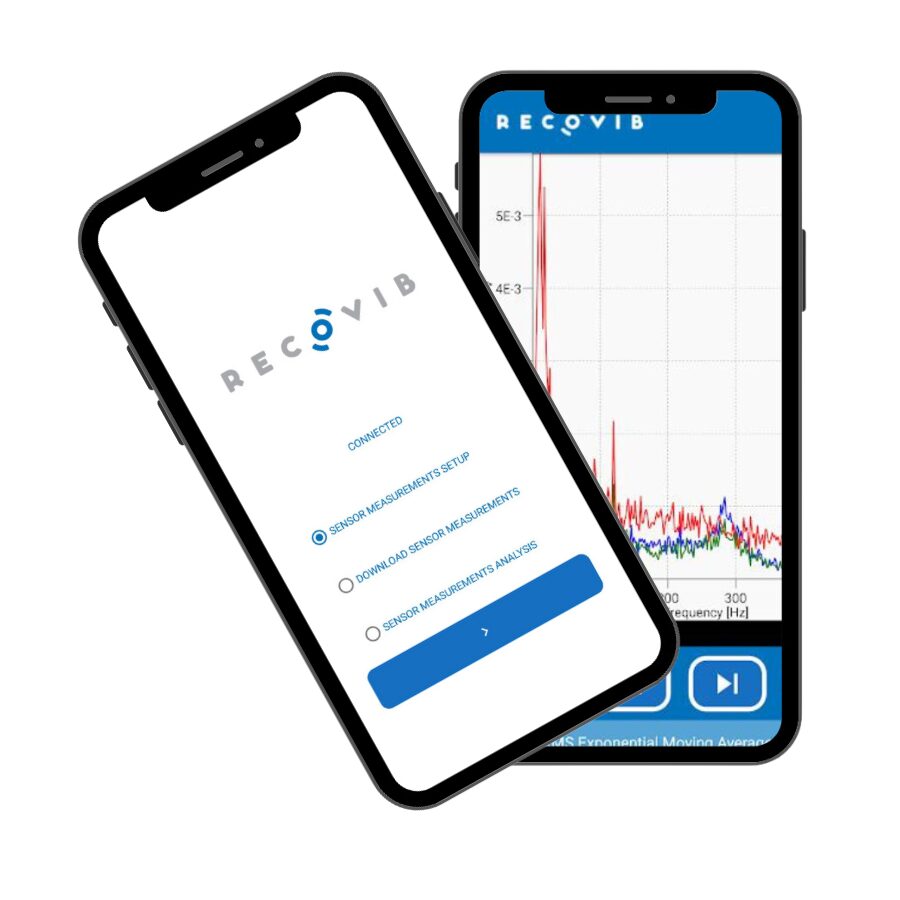
Most modern smartphones support Bluetooth or Wi-Fi connections. Many vibration sensors use these technologies to send data wirelessly. Sensor manufacturers often provide apps for Android and iOS platforms. These apps display vibration data in graphs or alerts for easy understanding.
Compatibility depends on the sensor’s communication method and app support. Some sensors work with third-party apps for more features. Others require their dedicated app for full functionality. Checking app reviews and sensor specifications ensures smooth smartphone integration.
Battery life and sensor range affect usability. Wireless sensors need efficient power use to last longer. Smartphone apps should offer clear data without draining phone battery quickly. A good match between sensor and phone creates a seamless monitoring experience.
Connection Methods
Vibration sensors can connect to smartphone apps in several ways. These connection methods affect how you use the sensor and check data. Each option has its own benefits and fits different needs. This section explains the main connection types for vibration sensors.
Bluetooth Integration
Bluetooth is a common way to connect vibration sensors to smartphones. It works without wires and is easy to set up. The sensor sends data directly to the app on your phone. Bluetooth uses low power, so it saves battery life. It works well for short distances, usually within 30 feet.
Wi-fi Enabled Sensors
Some vibration sensors use Wi-Fi to connect to smartphone apps. This allows a longer range than Bluetooth. You can access sensor data from anywhere with internet. Wi-Fi sensors can handle more data at once. They are good for monitoring many sensors or complex systems.
Wired Connections
Wired connections link vibration sensors to smartphones using cables. This method is less common but very reliable. It ensures stable data transfer without interference. Wired sensors need physical connection, which limits movement. They are useful in fixed setups or harsh environments.
Popular Apps For Vibration Sensors
Popular apps for vibration sensors connect your device to real-time data. These apps help you monitor vibrations easily and stay updated. They work with various sensors and offer useful tools. Many users rely on them for quick and clear vibration analysis. Understanding these apps’ features, user experience, and customization helps you choose the best one.
App Features
Most vibration sensor apps show live vibration data on your phone screen. They provide graphs and charts to track changes over time. Alerts notify you when vibrations go beyond set limits. Some apps can store data for later review. Integration with other smart devices often enhances monitoring capabilities.
User Experience
These apps usually have simple and clean interfaces. Navigation is straightforward, making it easy to find information. Many offer quick setup guides to connect your sensor. Data updates happen in real time, ensuring you see the latest readings. User feedback often praises the smooth and responsive design.
Customization Options
Users can often customize alert thresholds to fit their needs. Some apps allow changing graph types and data display styles. Notifications can be set for different vibration levels or time periods. Custom reports help analyze specific events or trends. These options make the apps flexible for various uses.
Setting Up Your Vibration Sensor
Setting up your vibration sensor is simple and quick. Proper setup ensures accurate readings and smooth app connection.
This guide helps you pair the sensor, calibrate it, and fix common problems.
Pairing Process
Turn on your vibration sensor first. Open the smartphone app designed for the sensor. Enable Bluetooth on your phone. The app will search for nearby devices. Select your sensor from the list. Follow on-screen instructions to complete pairing. Wait for confirmation that pairing is successful. Now, your sensor can send data to the app.
Calibration Tips
Place the sensor on a flat, stable surface. Avoid touching it during calibration. Use the app’s calibration feature for best results. Calibration adjusts the sensor to detect true vibration levels. Repeat calibration if readings seem off. Regular calibration keeps the sensor accurate over time.
Troubleshooting Common Issues
If the sensor does not pair, restart both devices. Check that Bluetooth is enabled and working. Move the sensor closer to your phone. Make sure the sensor’s battery is charged. Update the app to the latest version. Reset the sensor if problems continue. Contact support if issues remain unresolved.
Applications Of Smartphone-connected Vibration Sensors
Smartphone-connected vibration sensors have many useful applications. They help people monitor vibrations easily and in real time. These sensors send data directly to an app. This allows users to see important information quickly on their phones.
These sensors improve safety, save money, and help track health. They work in many places, from homes to factories. The ability to connect with smartphones makes them very practical and user-friendly.
Home Security
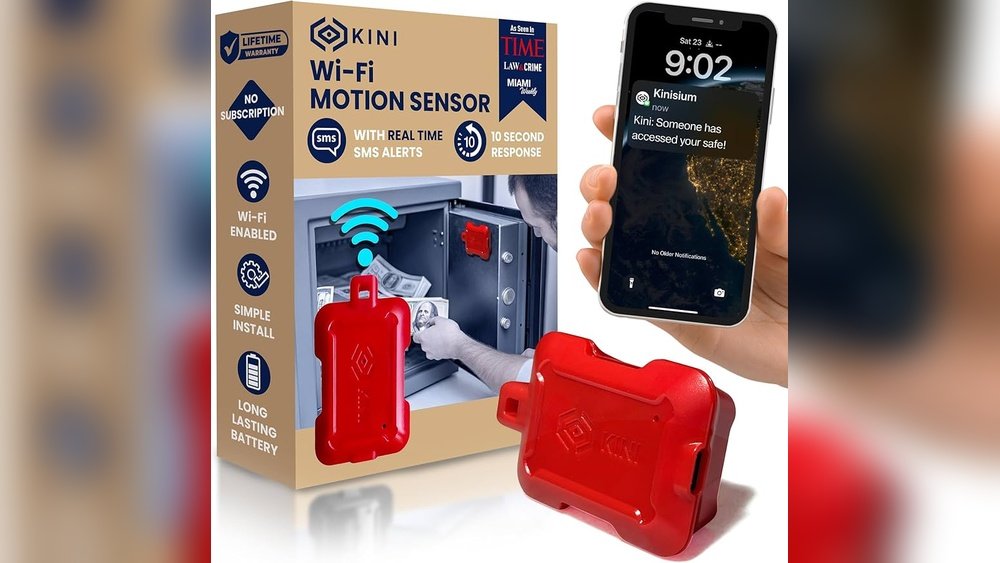
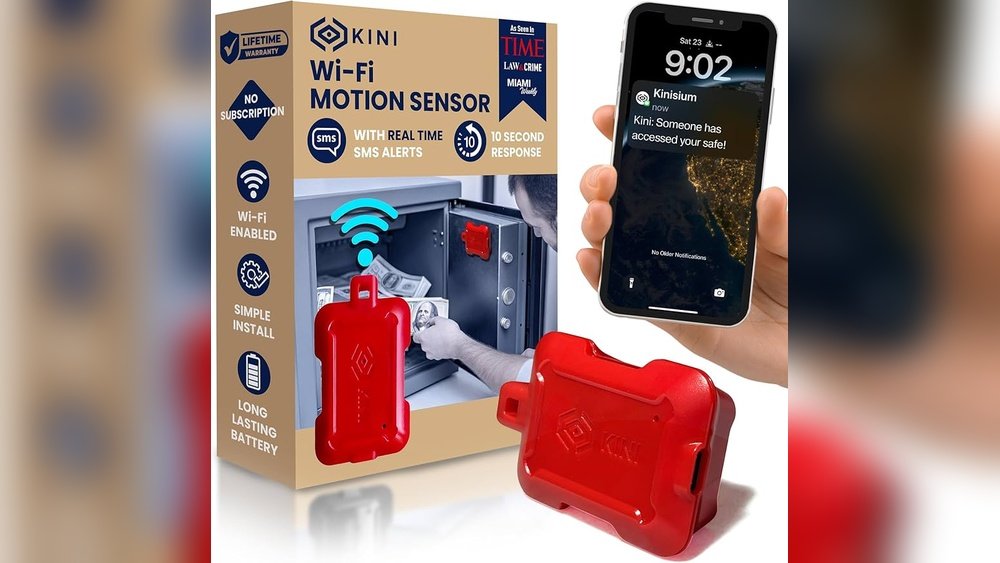
Vibration sensors detect unusual movements around your house. They alert you on your smartphone if someone tries to break in. These sensors can sense window or door vibrations. You get instant notifications to act fast. This adds an extra layer of protection without complicated setups.
Industrial Monitoring
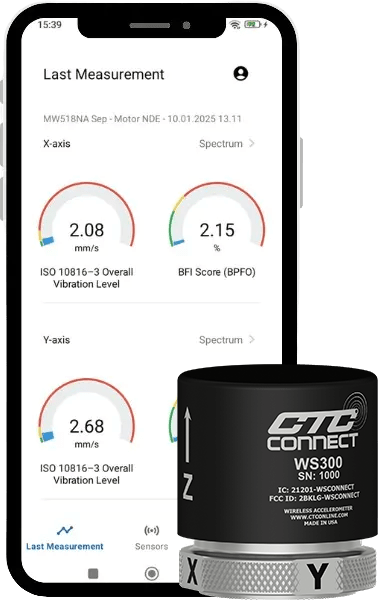
Factories use vibration sensors to watch machines closely. Sensors send data to apps for easy tracking. Early warnings help prevent machine failures and costly repairs. Workers can check equipment status from anywhere. This keeps production running smoothly and safely.
Health And Fitness
Vibration sensors track body movements during exercises. They connect to apps that show your progress clearly. These sensors help improve workout techniques and prevent injuries. You can monitor balance and coordination easily. This makes fitness routines more effective and safe.
Future Trends In Vibration Sensor Technology
Vibration sensor technology is evolving fast. New features and tools make these sensors more useful. This growth changes how we monitor machines and structures. Future trends focus on better connectivity and smarter data use. These changes help users get real-time insights on their smartphones. The technology will become easier to use and more accurate.
Advancements In Connectivity
Vibration sensors will connect more easily with smartphones. Wireless technologies like Bluetooth and Wi-Fi will improve. Sensors will send data faster and use less power. This means longer battery life and better performance. Users will get instant alerts on their phones. Setup will be simpler, with fewer steps. Sensors might work with multiple apps for different uses.
Ai And Data Analytics Integration
Artificial intelligence will analyze vibration data automatically. It will detect patterns and predict problems before they happen. This helps prevent machine failures and costly repairs. AI will simplify data for users with clear reports. Smartphone apps will show easy-to-understand graphs and tips. Users will spend less time studying data and more time fixing issues. Data analytics will make vibration sensors smarter and more helpful.
Frequently Asked Questions
Can Vibration Sensors Be Paired With Smartphone Apps?
Yes, many vibration sensors can connect to smartphone apps via Bluetooth or Wi-Fi. This allows real-time monitoring and data analysis on your device.
What Features Do Smartphone Apps Offer For Vibration Sensors?
Apps provide alerts, data visualization, and historical tracking. They help users detect anomalies and maintain equipment efficiently.
Are Vibration Sensor Apps Compatible With All Smartphones?
Most apps support both Android and iOS platforms. However, compatibility depends on the sensor’s manufacturer and app requirements.
How Secure Is Data Transmission From Vibration Sensors To Apps?
Data is usually encrypted during transmission to ensure privacy. Secure connections help protect sensitive vibration data from unauthorized access.
Conclusion
Vibration sensors can connect to smartphone apps easily today. This allows users to monitor data anytime and anywhere. Many apps show real-time alerts and simple reports. The connection helps detect problems early and save costs. Most sensors use Bluetooth or Wi-Fi to link with phones.
This makes setup quick and user-friendly for everyone. Using these tools improves safety and equipment care. Technology keeps making these sensors smarter and more useful. Overall, smartphone apps and vibration sensors work well together. They offer a practical way to track vibrations on the go.